Cellular Automata Pattern Maker
Cellular Automata Pattern Maker
OPERATING THE PROGRAM
You can adjust the settings for the three stages of pattern setup:
1) Coloring
You can create your own palette of colors and/or change the background color of the pattern color of the pattern using a color-picker. You can define how the colors in the colors in the palette are sequenced through the time steps required to generate the pattern: randomly; uniformly with a specified number of steps per color; using the Fibonacci sequence where the steps per color progress through a specified portion of the Fibonacci sequence; or custom where you choose the number of steps for each color in the palette.
2) Pattern Type
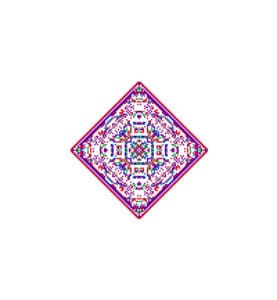
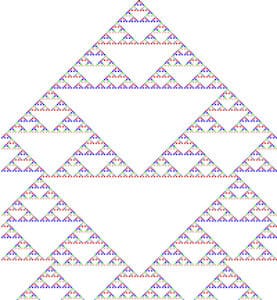
You can choose to generate 1D or 2D patterns or to play Conway's Game of Life. You can specify the size of the cells (in pixels) and the CA rule number (code) for the 1D and 2D CA. (See Rules.) The size of the 2D patterns is fixed by adjusting the number of steps or the cell size.